Free · V1
Dedicated Media Library
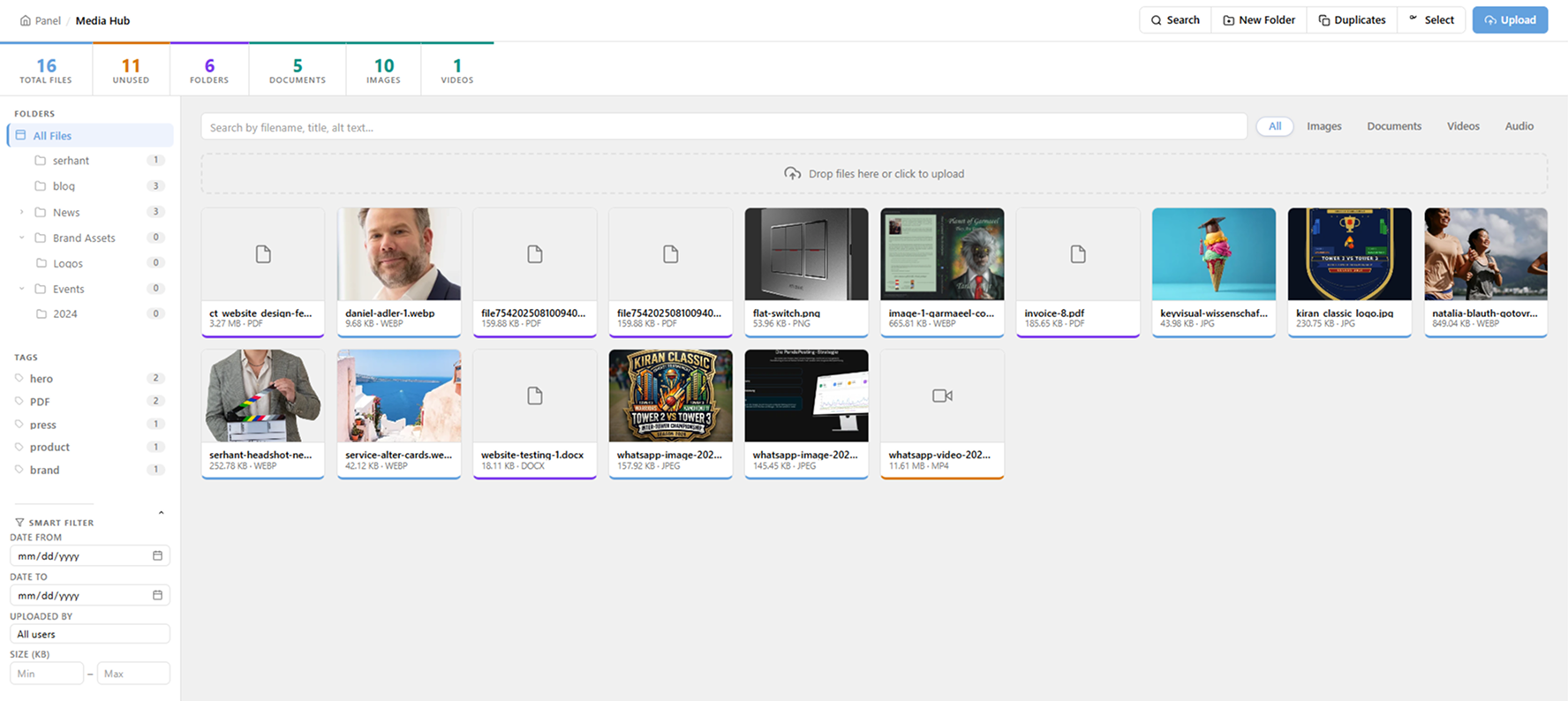
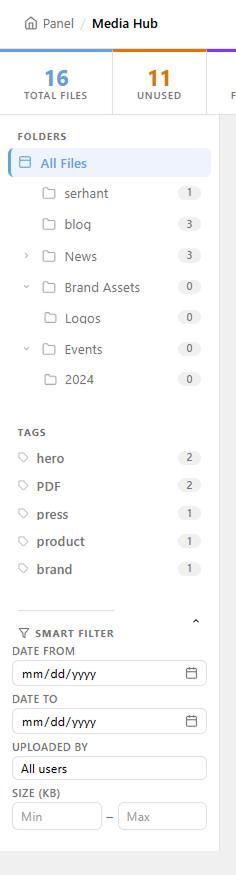
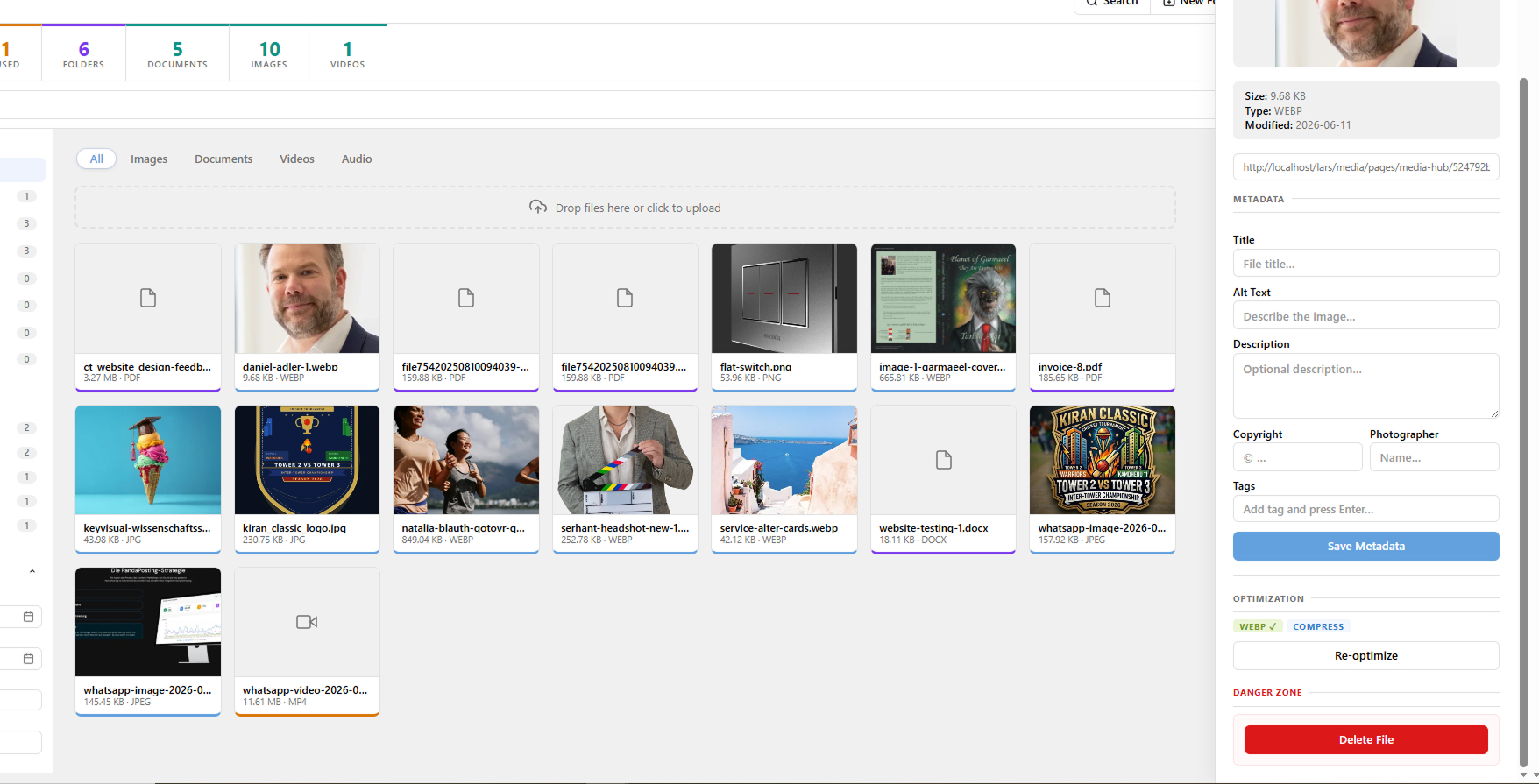
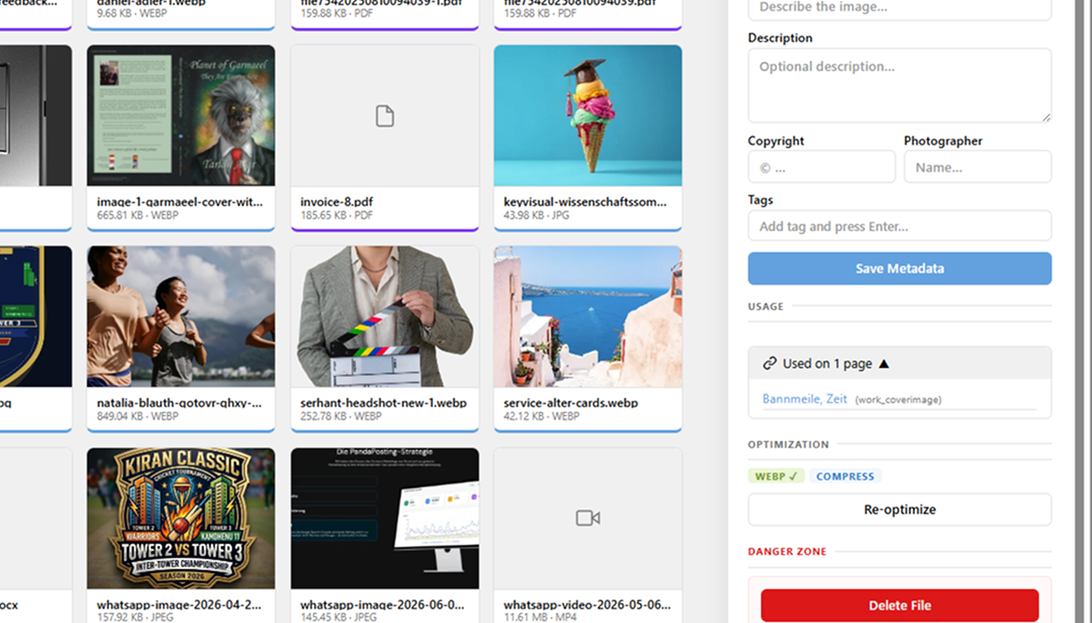
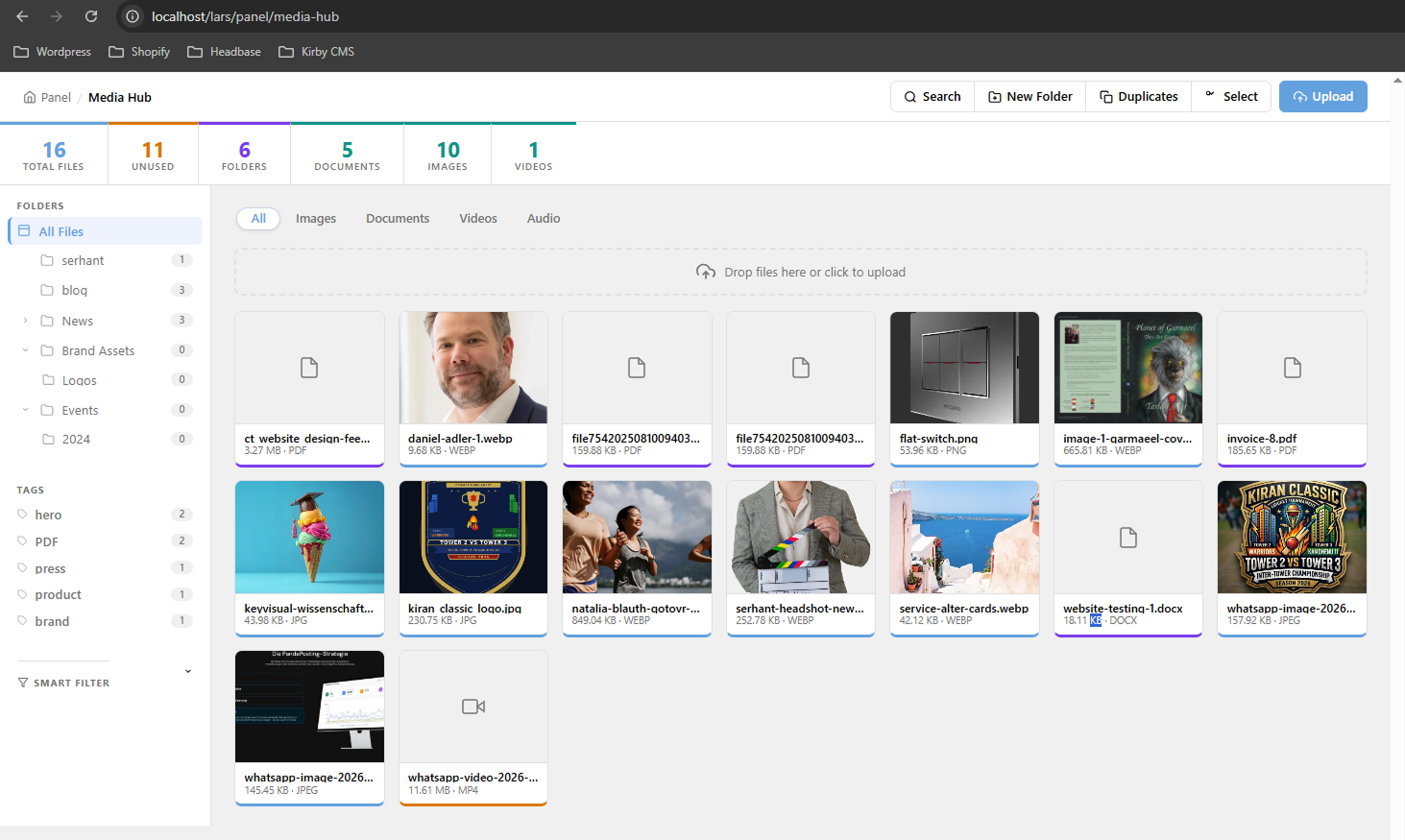
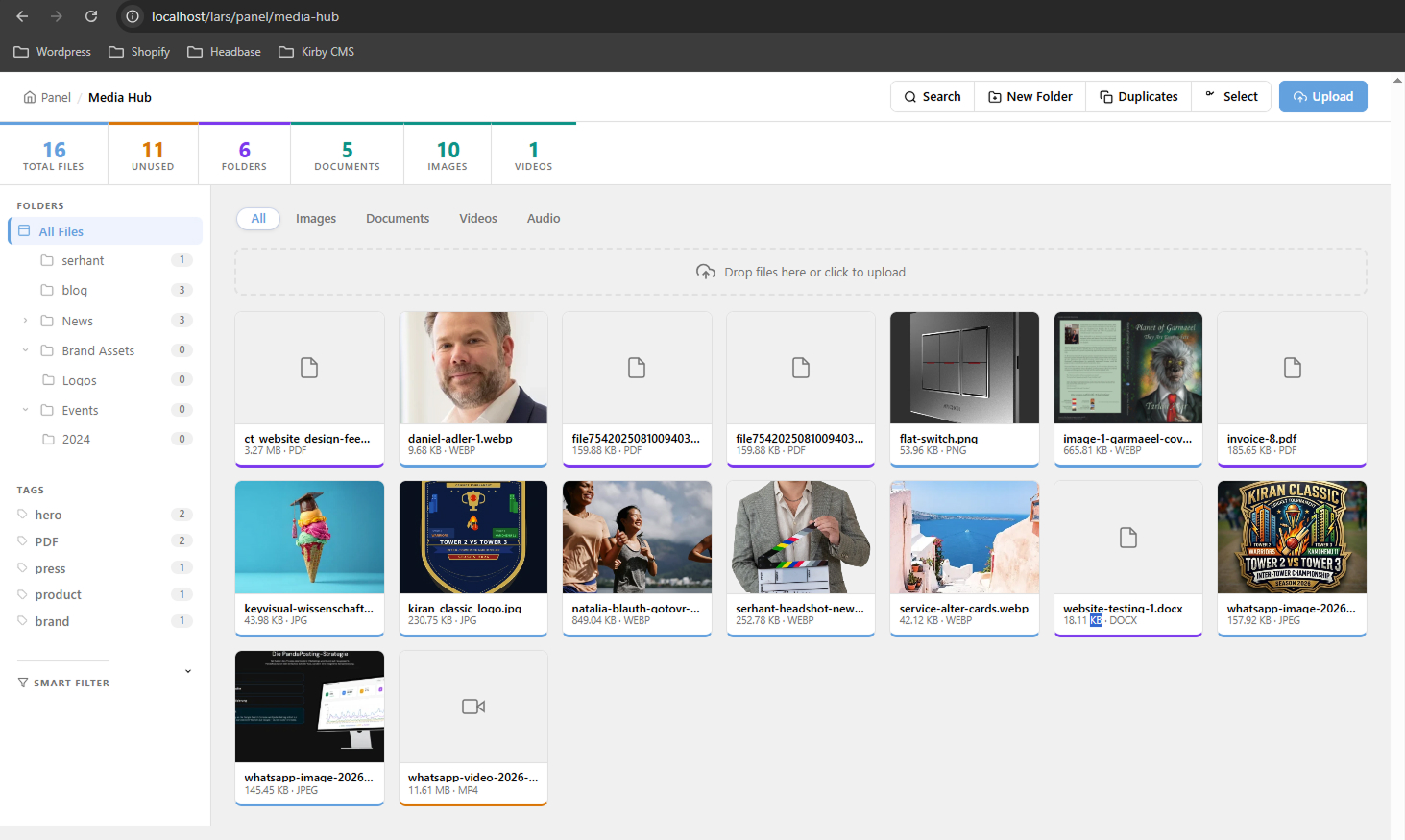
Full-screen Media Hub in the Kirby sidebar. All your assets in one place — no more digging through page files.


Built directly into the Kirby Panel — no external services, no subscriptions, no compromise.
Run composer require kirbycode/media-hub or drop the folder into site/plugins/.
Add type: mediahubpicker to any field in any page blueprint.
Open Media Hub in the Panel, upload files, then pick them from any page that uses your picker field.
Pro V1 is free and open source. Upgrade to Pro Smart V2 for agencies and power users. One-time payment. Single-site license.
The complete plugin at no cost. Use commercially, forever.
For agencies managing large asset libraries across multiple projects.
Three steps from zero to a working media library in your Kirby site.
The plugin auto-creates content/media-hub/ on first load. No extra config needed.
MIT License · Kirby 5 · PHP 8.2+ · No build step · No telemetry
Send an email with which version you'd like (Pro Smart V2 — €90), your site URL, and invoice details. We reply within 24 hours.
Need extra features, a modified version of Media Hub, or an entirely custom Kirby plugin? Get in touch with what you need.
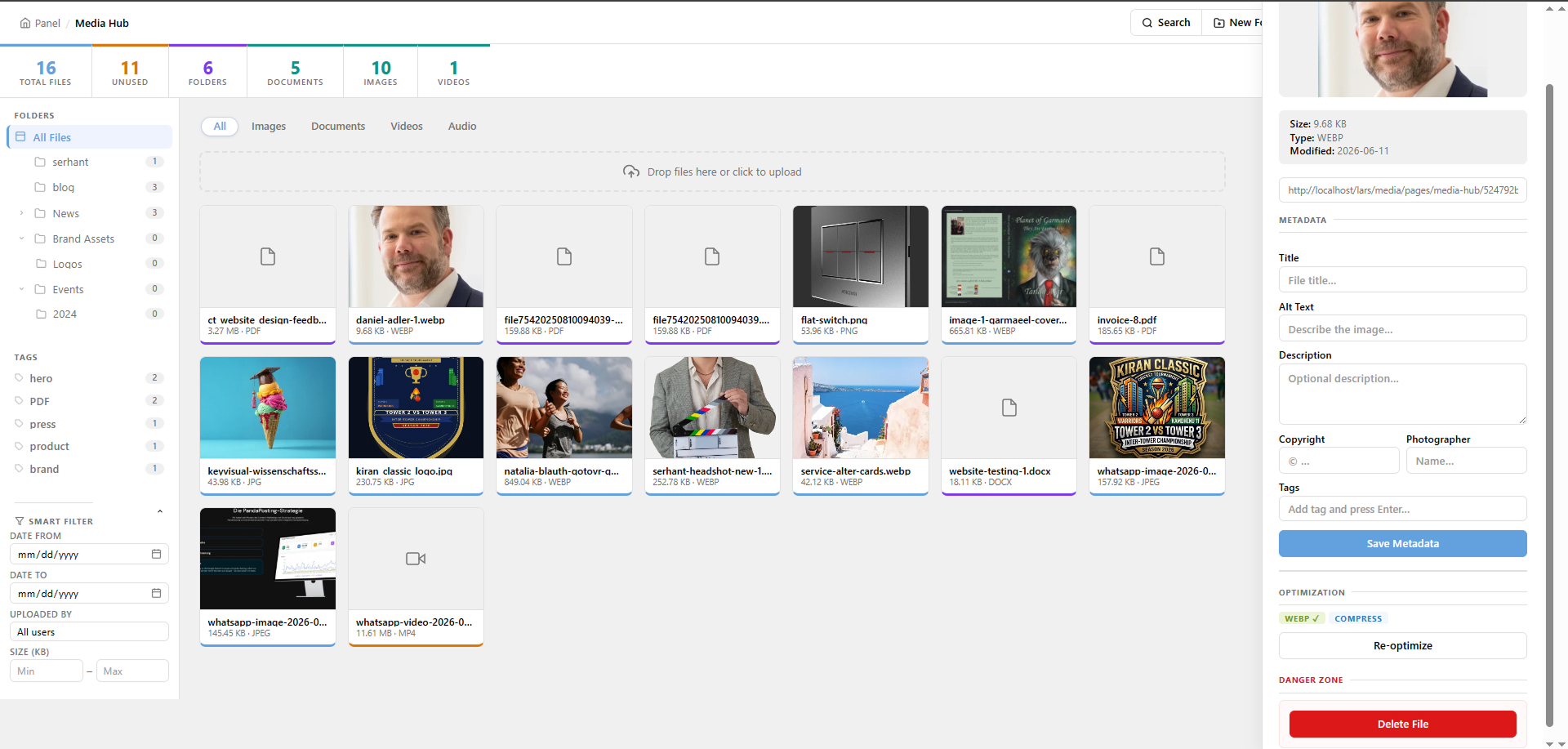
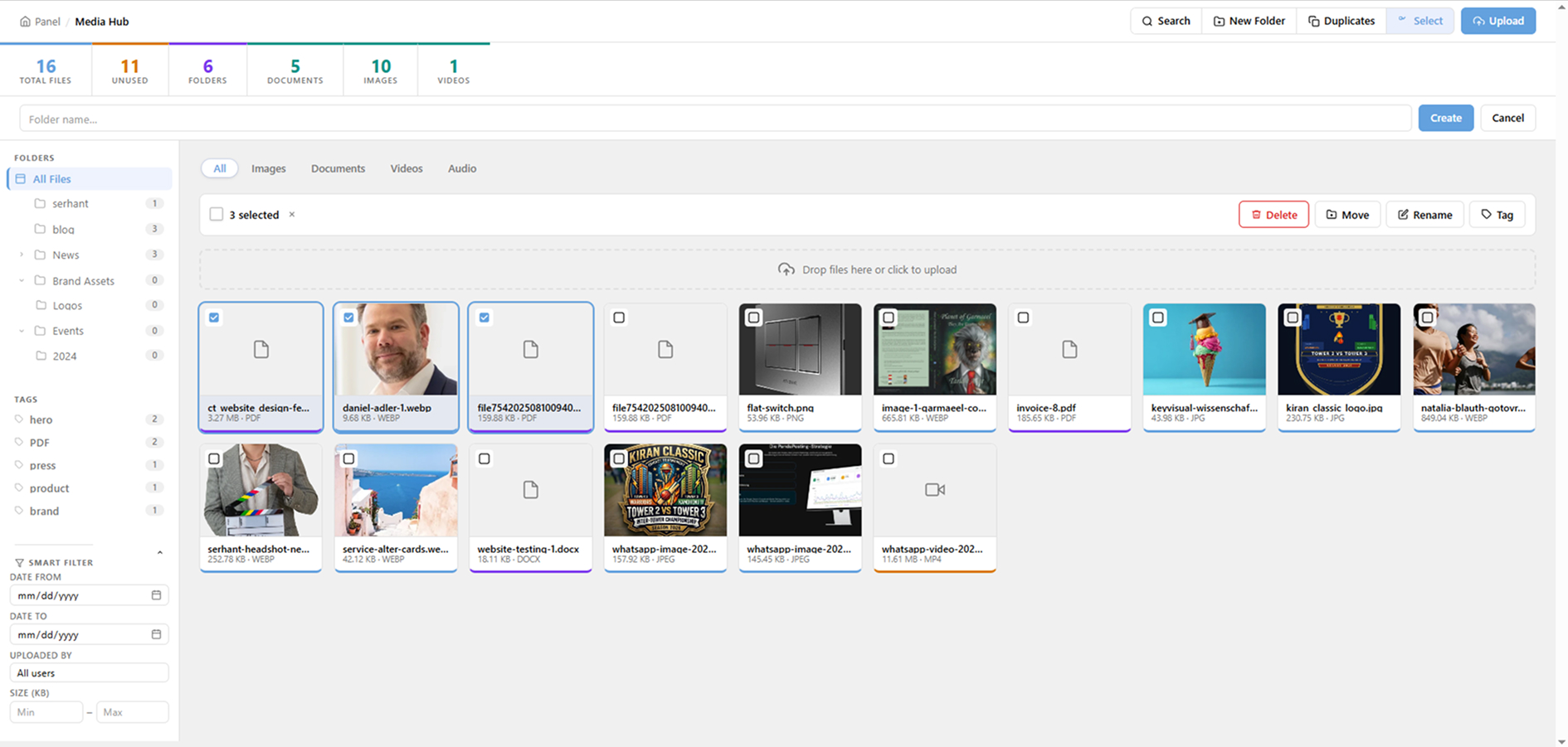
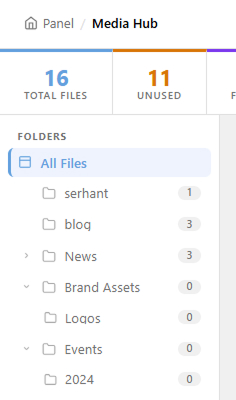
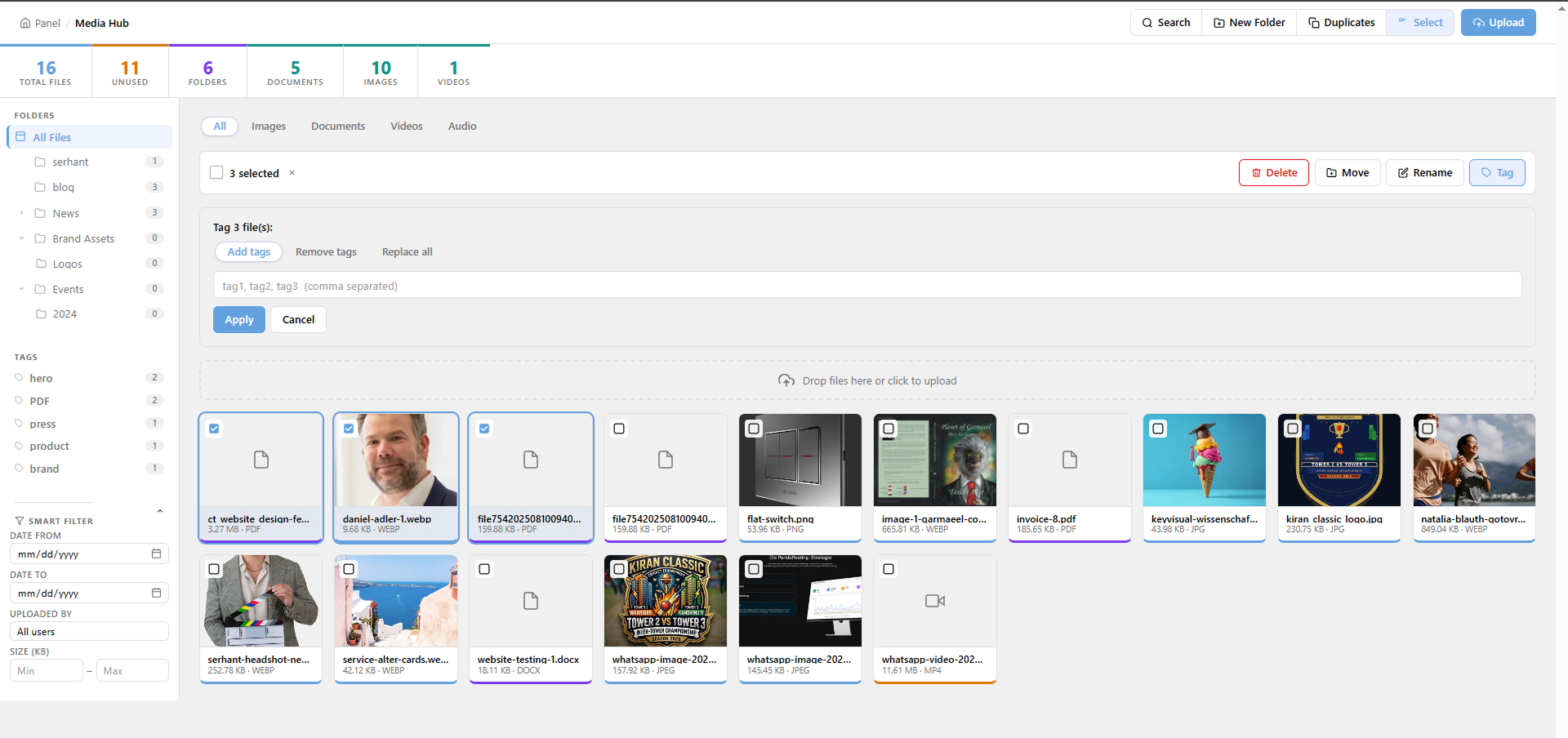
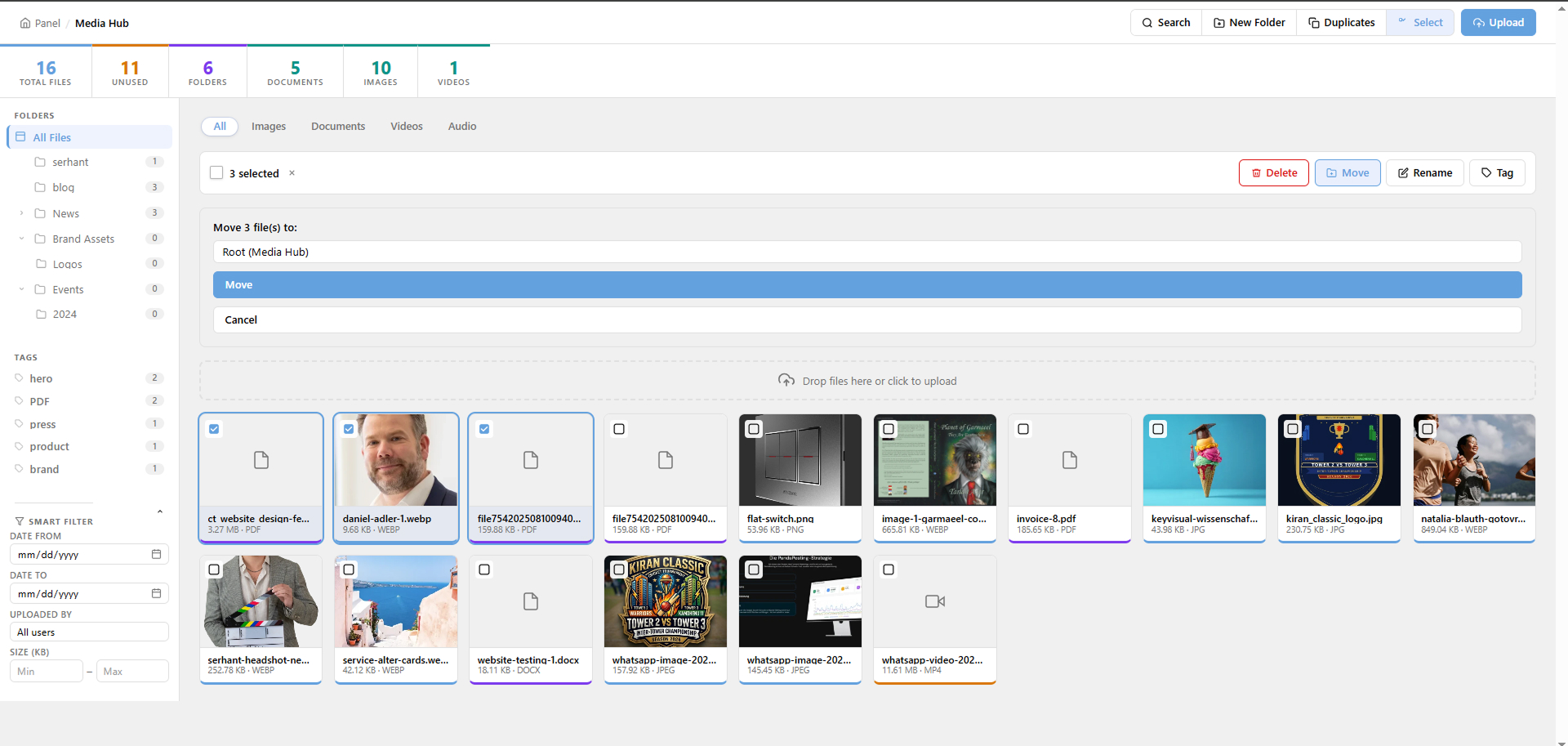
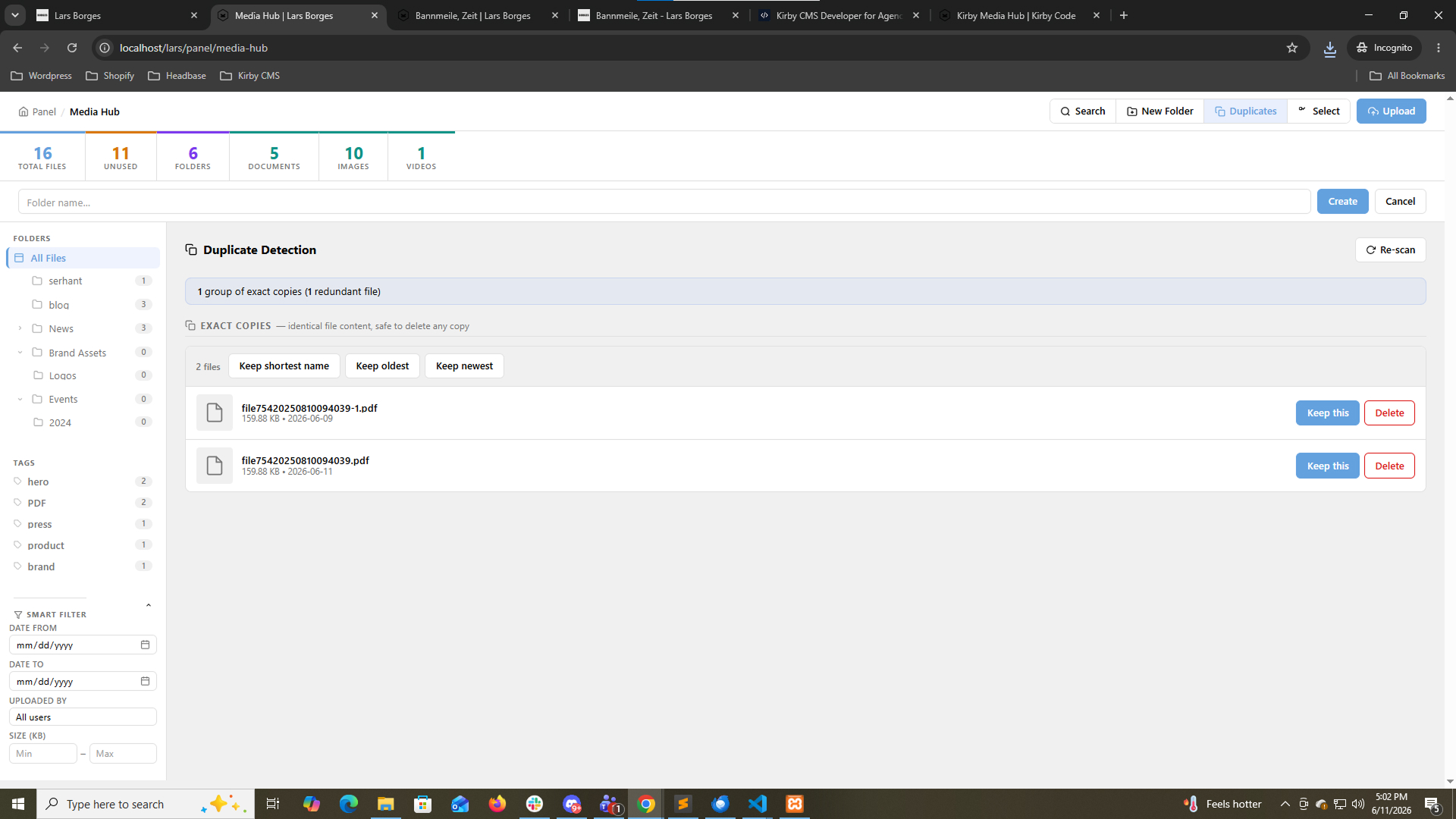
The free version (Pro V1) is fully functional and open-source — folders, search, metadata editing, the mediahubpicker field, usage tracking, and dashboard stats. Pro Smart V2 adds 2-level subfolders, tags & keywords, smart filtering, bulk operations, duplicate detection, and automatic image optimization with WebP conversion on upload.
No. Kirby Media Hub requires Kirby 5 and uses Kirby 5 APIs exclusively. It will not work on Kirby 3 or Kirby 4.
The free version is community-supported via GitHub Issues. Pro Smart V2 includes priority email support with a 24-hour response target on business days.
Free version: run composer update kirbycode/media-hub anytime. Pro version: download instructions are sent by email after purchase.